Toxic Flow Found After the Session
Execution reviews run overnight, so by the time a latency arbitrageur is spotted the loss is already booked.
RAM scores every login during the session and shows why it was flagged.
Every Login × Symbol × Book
5Live P&L Views
10Risk Tiers
7Toxic-Flow Patterns
9Absolute Triggers
63Loop Indicators
6Delivery Channels
Risk, revenue and client data live in different tools that disagree. These are the three costs we hear about in every first call.
Execution reviews run overnight, so by the time a latency arbitrageur is spotted the loss is already booked.
RAM scores every login during the session and shows why it was flagged.
Multi-tier rebates, per-symbol rules and volume that must match MT5 — one honest error and a partner walks.
Statements come from the same reconciled ledger as house P&L.
Dealing, finance and management each pull their own numbers, and month-end becomes a reconciliation project.
Every view ties back to MT5, with the gap shown on screen.
RAM runs the dealing desk. Loop keeps clients informed and engaged. Both read from the same MT5 Manager API connection.
Risk Analytics Matrix
Market Intelligence & Client Engagement
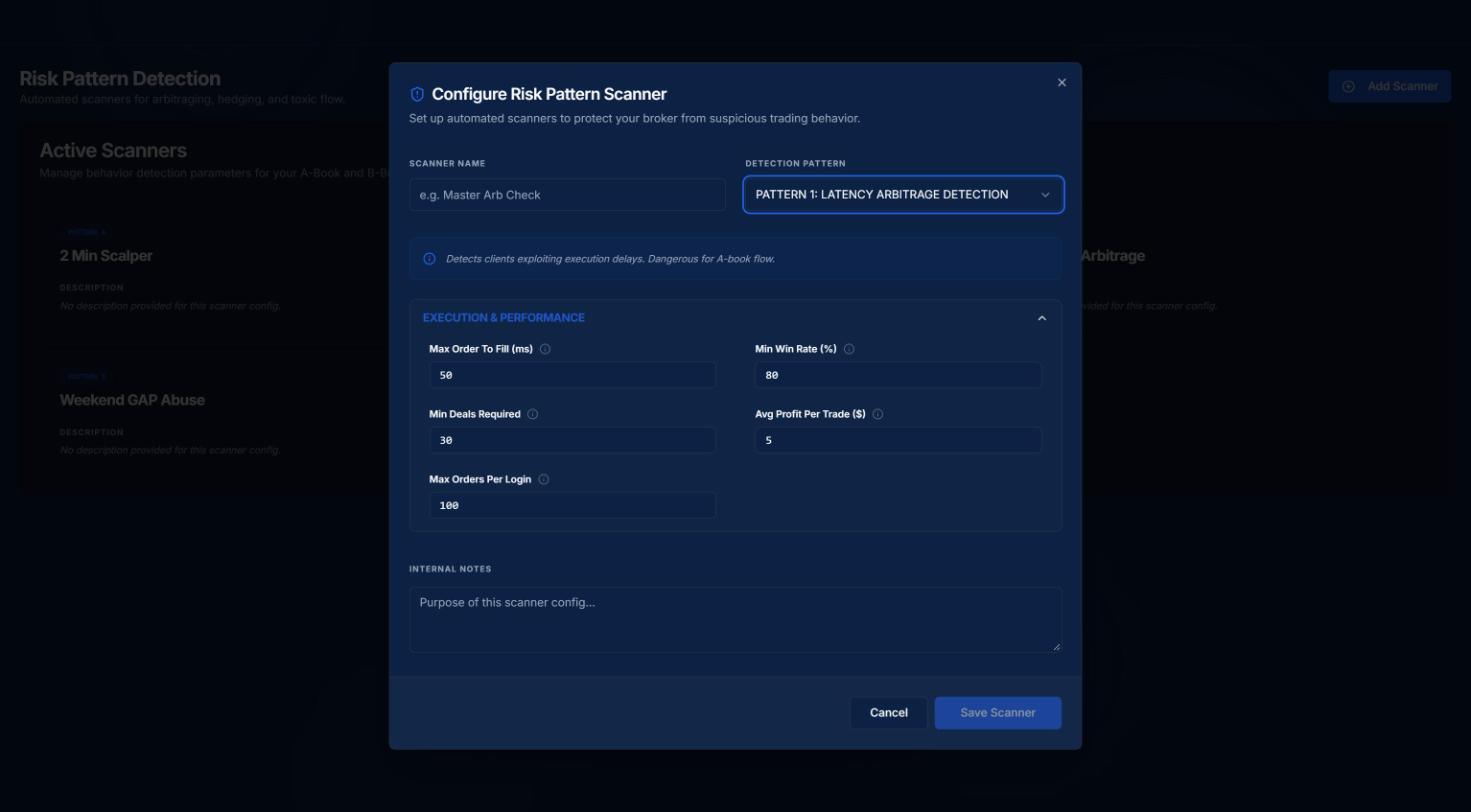
Scanners for latency arbitrage, hedging, scalping and weekend gaps run on any logins and dates you choose.
An illustrative walkthrough of what a dealing desk sees in RAM during a CPI release. Alerts are set by your team, and every decision stays with your desk.
Gold drops $18 in four seconds. Net house exposure on XAUUSD updates on the RAM risk screen.
An alert your desk configured fires. RAM’s scenario shows the worst case for the B-Book on the open gold book.
One account opened 40 lots a second before the print. Its toxicity score crosses the threshold your desk set, with the evidence attached.
The dealer reviews the score and the evidence in RAM, then decides any action in MT5 under your own procedures.
House net P&L, IB costs and LP exposure update together. The reconciliation check reads Δ 0.00.
Illustrative scenario with sample figures.
Each team gets its own view of the same reconciled numbers.
What changes for the desk in the first month.
Use them in every vendor demo, ours included.
Yes — the reconciliation check sits on the dashboard and should read Δ 0.00.
Yes — scores update intraday and each flag shows its evidence.
Yes — IB Partner, Regular, Shared, Copy and Kickback, with per-symbol rules.
Yes — every action is logged, and the REST API exposes the same numbers.
Yes — read-only Manager API access by default, on separate infrastructure.
Yes. Loop is white-label under your brand, with a “Powered by Loop” mark shown by default.
Onboarding runs with our team, from first connection to the first reconciled period.
MT5 Manager API
IBs, LPs, allocations, symbols
Logo, colours, disclaimers (Loop)
Reconcile, invite users
No. Each runs on its own. Together they share one MT5 connection, one onboarding and one support team.
Most brokers are live within 2–5 business days: connect MT5, map IBs, LPs and symbols, then reconcile the first period with our team.
No. It reads from the MT5 Manager API with read-only access by default and runs on separate infrastructure.
No. Loop is software licensed to brokers. It produces scenario-based analysis with invalidation levels — never buy or sell calls, entries, stop-losses or take-profits. Your firm publishes it under your own brand and licence, and the compliance gate adds your risk wording to every message.